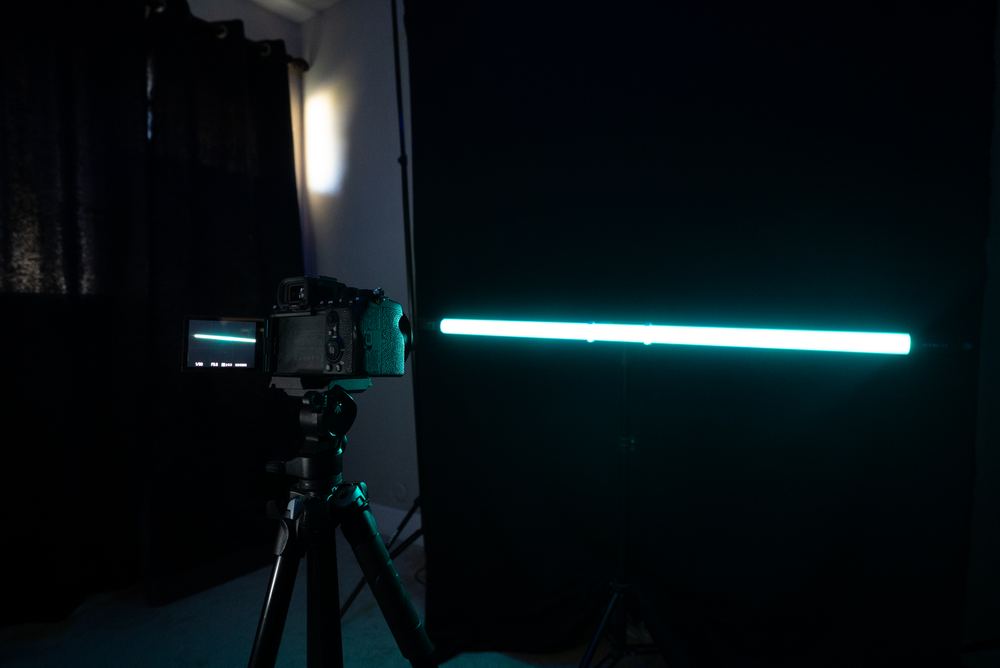
Filming a lightshow is harder than it looks. You're working in near-total darkness with fast-moving lights and hands that don't hold still. This guide covers the settings and setup that actually help, whether you're shooting on a phone or a DSLR.

Switch to your phone's "Pro" or manual mode first, that's where all of the settings below live.


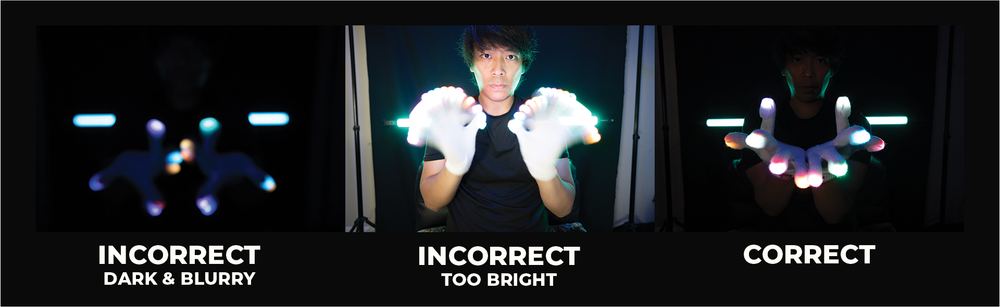
Shoot in manual mode, always, for full control over the shot.
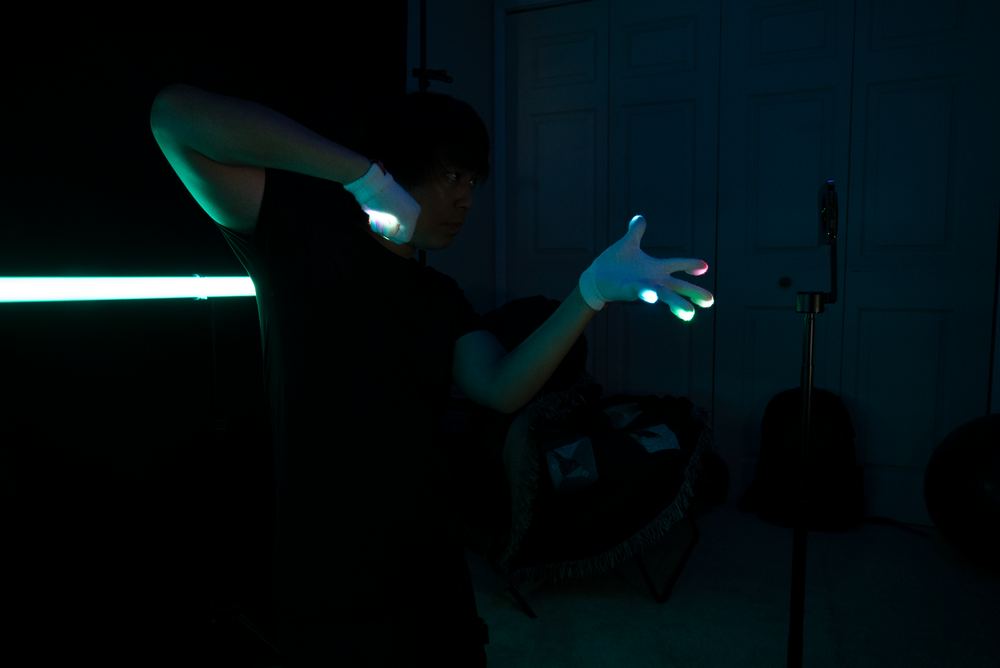
A dark, non-reflective backdrop does most of the work here. The darker the surroundings, the more the LEDs pop, and any stray reflections will pull focus off the performance.
A little subtle accent lighting, like a colored LED strip or small spotlight in the background, can add depth without competing with the main show.

Tracking a glover's hands smoothly takes practice on its own, it's worth rehearsing separately from the shoot. Mix wide shots of the full performance with close-ups on the hands so the edit has somewhere to breathe.
Talk to the glover beforehand about their routine so you know roughly what's coming and can plan your shots around it. Capture clean audio of the music too, you'll want it for syncing in the edit. A quick pass in editing software to bump contrast and color afterward usually finishes the job.
Filming LEDs in the dark takes some trial and error no matter how prepared you are. Don't be afraid to burn through a few takes finding the settings that work for your setup.